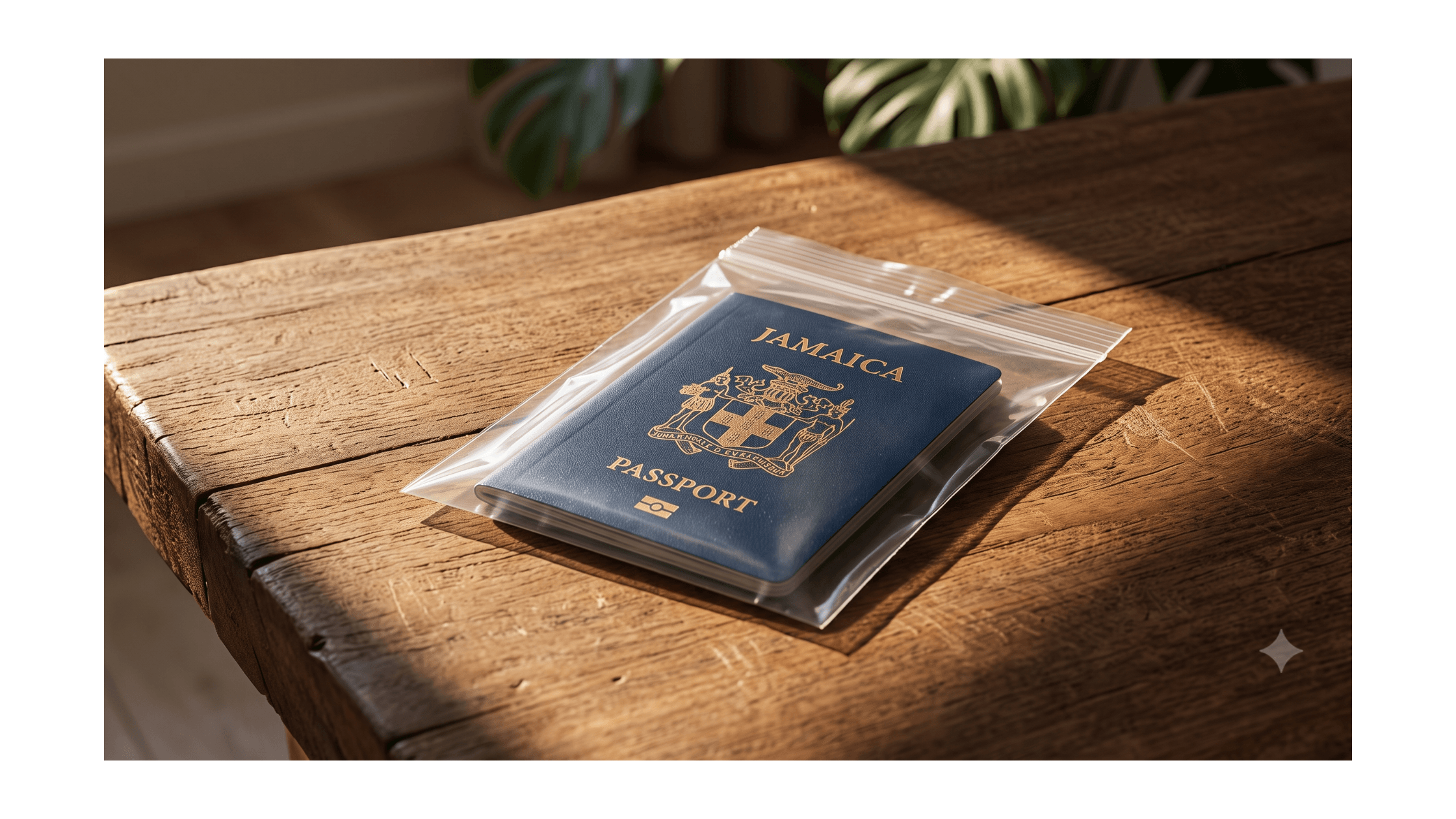
If you live in Jamaica or frequently travel back during hurricane season, you know the protocol: wrap your important documents in a plastic Ziploc bag to protect them from potential water damage. It is a smart, protective habit that has been passed down for generations to secure birth certificates and land titles.
But when it comes to modern Jamaican e-passports, that well-intentioned plastic bag might actually be the very thing destroying your document.
The "Greenhouse Effect" on Biometrics
All newly issued Jamaican passports are biometric e-passports (identifiable by the small gold camera logo on the front cover). Hidden delicately inside the back cover of these books is a microchip and a thin metal antenna. This chip holds all of your digitized biometric data.
When you place an e-passport inside a sealed plastic bag and store it in a warm environment—such as an un-airconditioned room, a hot car, or a dense metal safe—it creates a miniature greenhouse effect. The plastic traps the ambient heat, rapidly multiplying the temperature inside the bag. Over a period of months, this intense, trapped heat will silently warp the antenna and melt the microchip.
The Danger of "Invisible" Damage
The most severe risk of heat damage is that the passport looks visually flawless to the naked eye. The pages remain crisp, the ink does not smudge, and the cover appears intact. You will have no indication that the document is compromised until you hand it to an immigration officer at the airport, the scanner flashes red, and you are denied boarding because your biometric chip is dead.
How to Test Your Passport at Home
Fortunately, you do not have to wait until you are standing at an airline check-in desk to find out if your passport survived the heat trap. You can verify the integrity of the microchip right now using the smartphone in your pocket.
Modern smartphones are equipped with NFC (Near Field Communication) technology—the exact same technology utilized by Apple Pay and international airport passport scanners.
-
01
Download an NFC Reader
Navigate to your iPhone App Store or Google Play Store and download a secure, free application such as ReadID Me or NFC TagInfo.
-
02
Scan the Document
Open the application and hold the top edge of your smartphone directly against the back cover of your passport, moving it slowly until a connection is made.
-
03
Analyze the Results
If the application successfully reads and displays your digitized photo and passport data, your chip is healthy. If you receive absolutely zero response after multiple attempts, the microchip has failed.
The Replacement Protocol
If your passport chip has failed the scan, it is legally invalid for travel. Furthermore, because the document is technically classified as "damaged," you cannot log into the PICA portal to request a standard online renewal.
Under Jamaican law, a damaged passport requires physical intervention. You must surrender the physical book to PICA headquarters, accompanied by a sworn, notarized Affidavit explaining the exact nature of the damage. For members of the diaspora, flying back to Jamaica solely to surrender a damaged passport is an exorbitant and stressful undertaking.
Did your passport fail the scan?
There is no need to book an emergency flight. Engage our proxy agents to securely process your damaged passport replacement directly at PICA headquarters.
Book a Consultation